
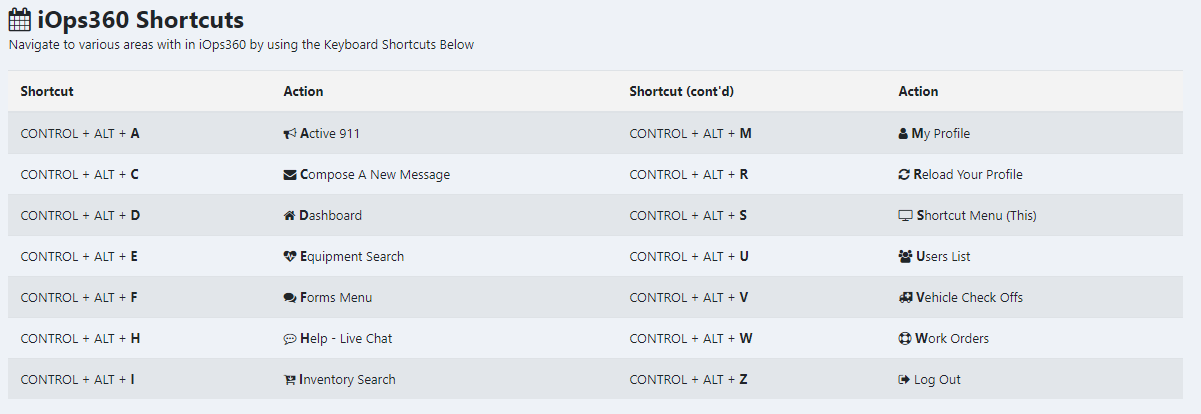

iOps360 has many Shortcut Keys to get you where you want to go quickly. Need to send a message, just press CONTROL + ALT + C from any page. Want to view all users, just press CONTROL + ALT + U.
Shortcut Menu
To see the entire list of all shortcuts, press CONTROL + ALT + S for Shortcut menu.
- S – Shortcut Menu
- A – Active 911
- C – Compose A New Message
- D – Dashboard
- E – Equipment Search
- F – Forms Menu
- H – Help – Live Chat
- I – Inventory Search
- M – My Profile
- R – Reload Your Profile
- U – Users List
- V – Vehicle Check Offs
- W – Work Orders
- Z – Log Out
One response to “Shortcuts Keys”
[…] Shortcut Keys – We have added site wide shortcuts to navigate to many areas of iOps360. Want to send a message, you can press CONTROL + ALT + C and go right to the Compose New Message page. See all the shortcuts at https://iops360.comshortcuts-keys/ […]